Your stack. Your workflow. Your content.
Model content in SCHMA, generate TypeScript types, and deliver structured content through REST, GraphQL, and the tools you already use.
{
  "entries": [
    {
      "id": "<entry-id>",
      "dataJson": {
        "title": "<published title>"
      },
      "publishedAt": "<timestamp>"
    }
  ],
  "meta": {
    "limit": 10,
    "offset": 0,
    "count": 1
  }
}tenantSlug: process.env.SCHMA_TENANT_SLUG!,
baseUrl: process.env.SCHMA_API_URL || "https://api.schma.dev",
});
typeSlug: "blog-post",
status: "published",
limit: 10,
});
console.log(post);
}
Your Content
Stays in Your Database
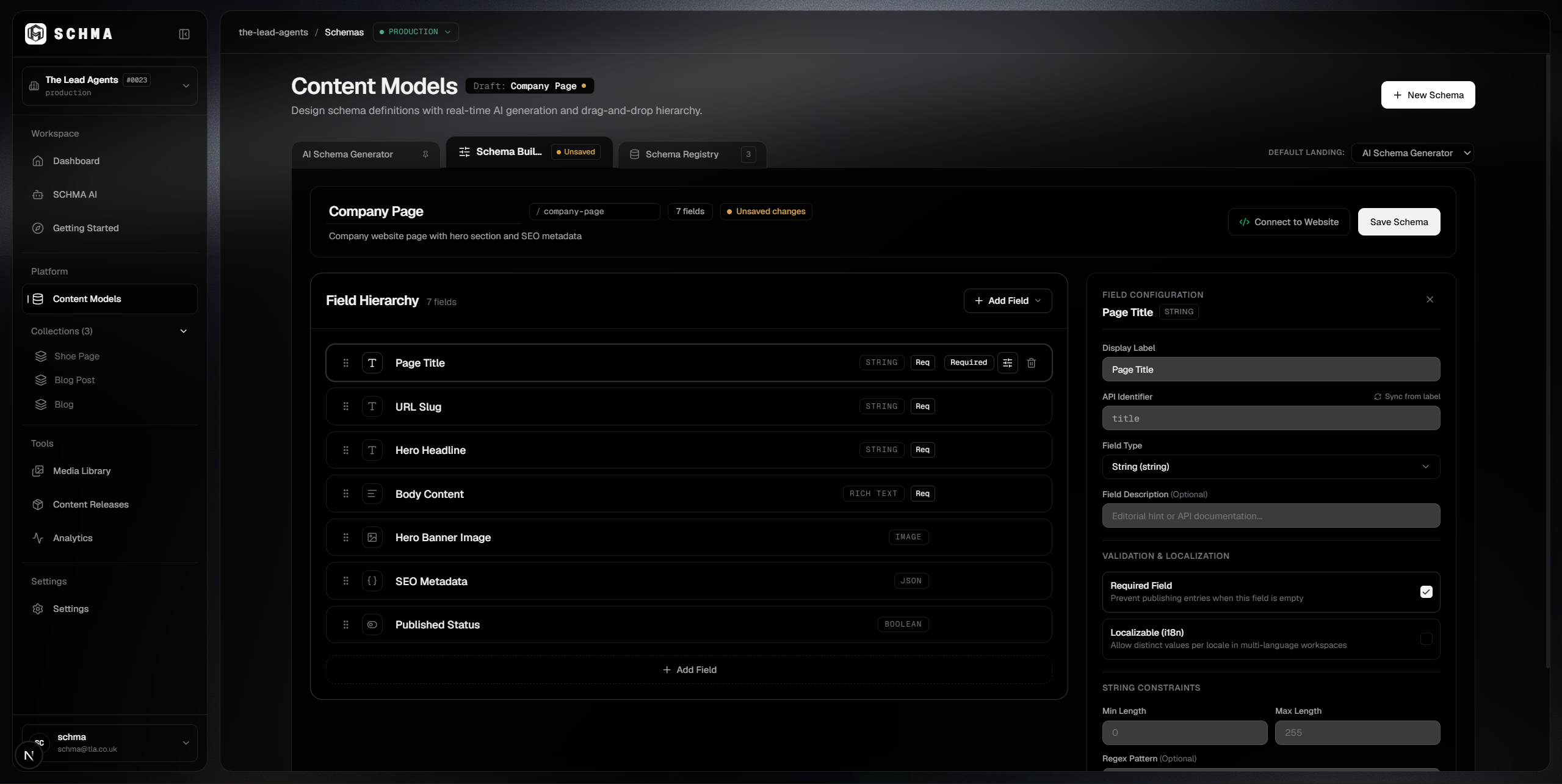
SCHMA gives you the tools to model and manage structured content while your content remains in your own PostgreSQL database. Your applications retrieve published content through SCHMA's delivery APIs.
SCHMA Studio
Schema & content management
Structured content management
Model schemas and manage content through SCHMA Studio.
Your PostgreSQL database
Your content. Your database.
Your database
Your content is stored in your own PostgreSQL database.
Your applications
REST & GraphQL delivery APIs
Flexible delivery
Retrieve published content through REST and GraphQL APIs.
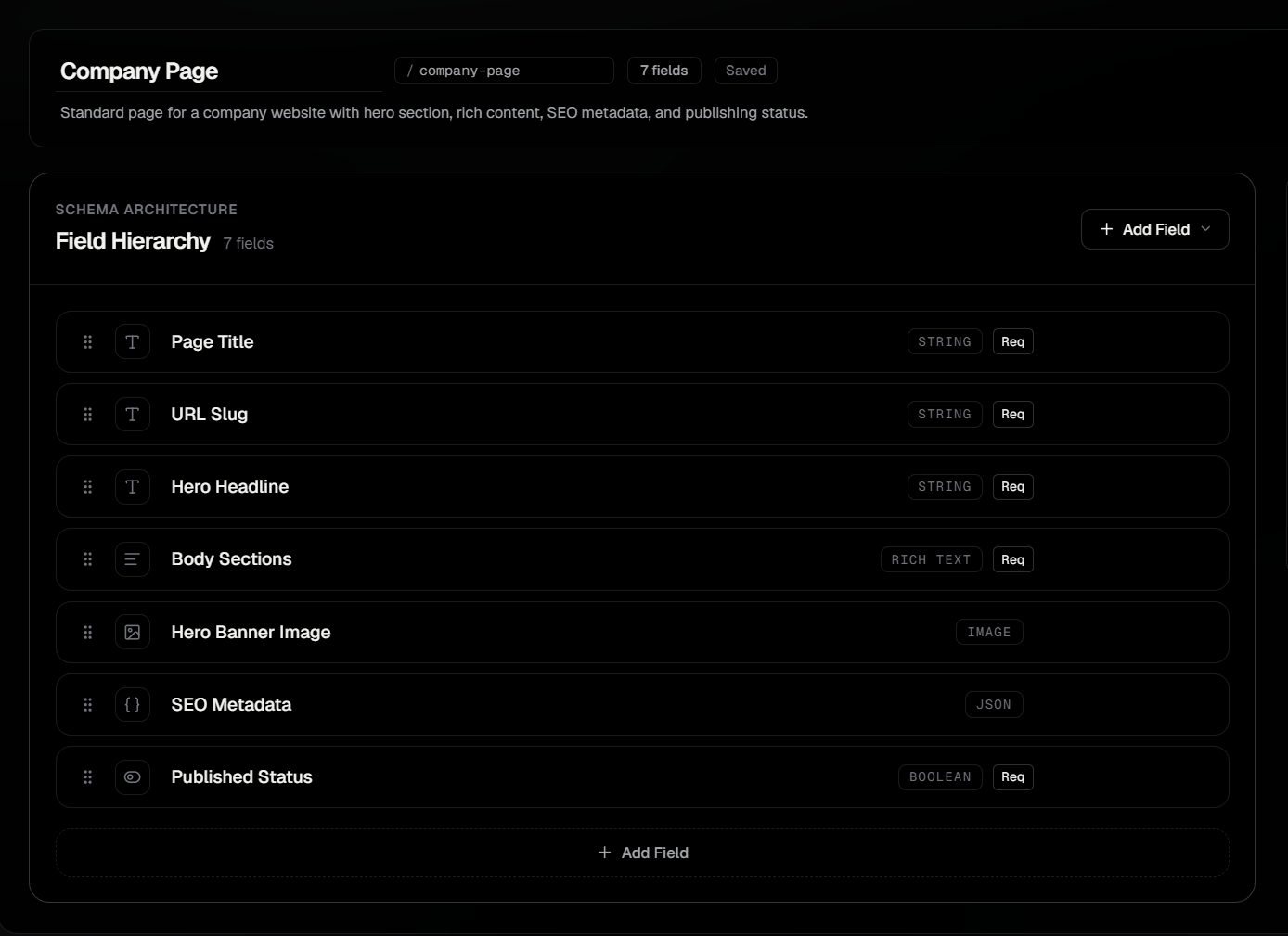
Your content model. Your codebase.
Build with the tools you already use.
Define content structures in SCHMA, generate TypeScript types, and access published content through the delivery tools that fit your workflow.
- Type-safe development
- CLI-powered type generation
- REST and GraphQL delivery
tenantSlug: process.env.SCHMA_TENANT_SLUG!,
baseUrl: process.env.SCHMA_API_URL || "https://api.schma.dev",
});
typeSlug: "blog-post", status: "published", limit: 10,
});
{
  "entries": [{
    "id": "<entry-id>",
    "dataJson": { "title": "<published title>" },
    "publishedAt": "<timestamp>"
  }],
  "meta": { "limit": 10, "offset": 0, "count": 1 }
}Tenant slug to generate types for (or reads from SCHMA_TENANT_SLUG env var)
Output file path (default: "schma-types.d.ts")
Display help for command
Your AI assistant. Your SCHMA context.
Connect your AI coding assistant to SCHMA through MCP. Explore schemas, inspect content, and generate schema proposals without leaving your development workflow.
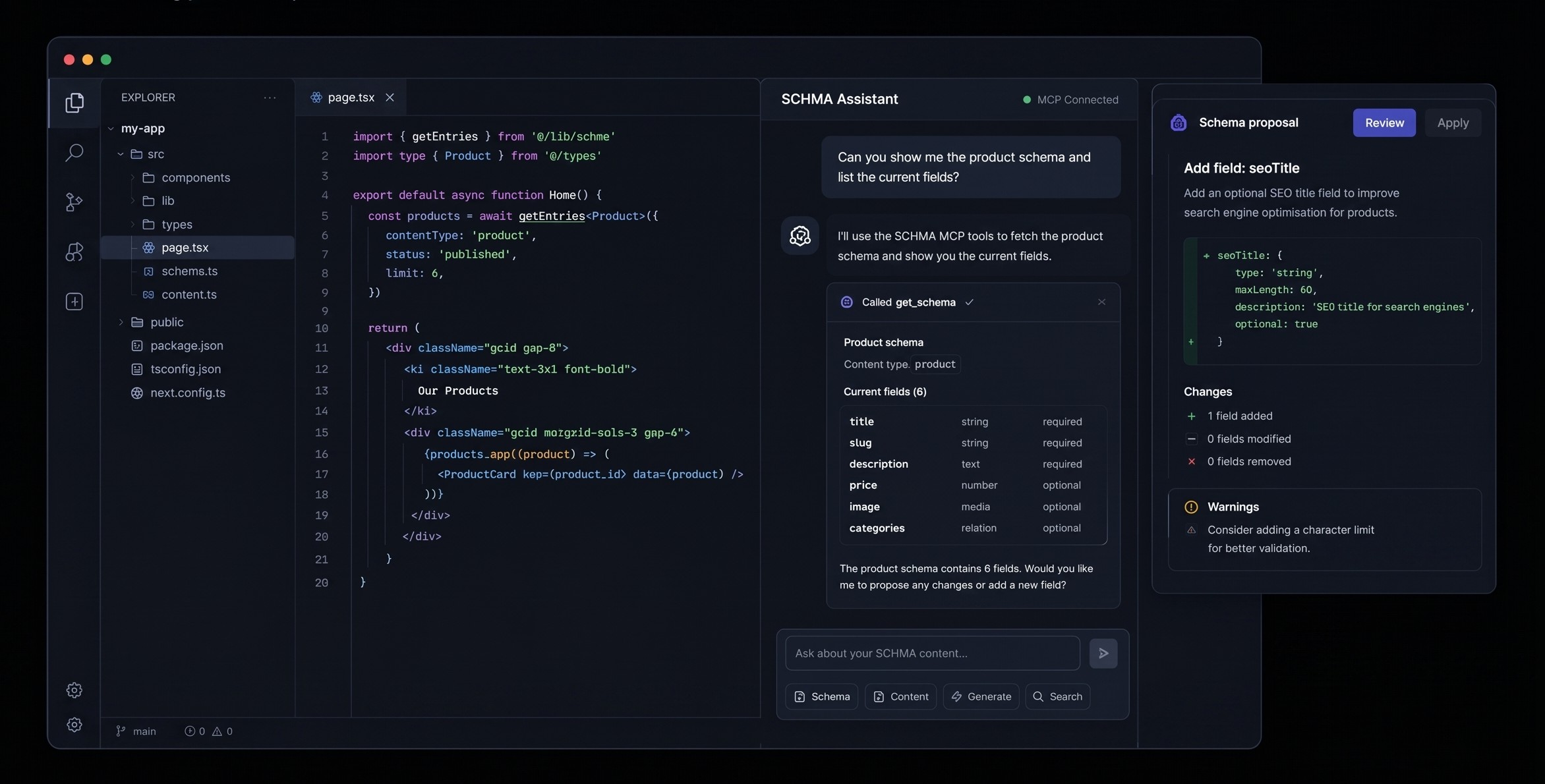
Schema context on demand
Give compatible AI assistants access to SCHMA content models, schema definitions, and entries through MCP tools.
Schema changes, proposed with context
Generate schema proposals and inspect the proposed changes and warnings before deciding whether to apply them.
Built around your development workflow
Connect through SCHMA's documented MCP server rather than relying on a proprietary SCHMA IDE extension.
Keep your production content in sync.
When content changes in SCHMA, webhooks notify your application so your own revalidation logic can refresh the content your users see.
A supported publishing action occurs in Studio or via the Management API.
SCHMA dispatches an HTTP POST payload with signatures and idempotency headers.
Your receiving application handler verifies the signature and invokes its own cache revalidation logic.
Signed webhook delivery
Every delivery includes an HMAC-SHA256 signature header (x-schma-signature) and an idempotency key so your endpoint can verify authenticity and safely deduplicate requests.
Automatic retries with backoff
If your endpoint returns an error or times out, SCHMA retries delivery automatically using progressive backoff and random jitter so your receiver is not overwhelmed.
Application-controlled revalidation
SCHMA dispatches the event, and your application’s handler controls how to respond—whether invoking Next.js revalidateTag(), updating an edge CDN, or triggering a build.
Build with SCHMA. Keep your workflow yours.
Bring structured content, type-safe development, and AI-assisted workflows into the tools you already use.
Questions developers ask
Quick answers to help you understand how SCHMA fits into your development workflow.