From your database to your first API response.
Connect PostgreSQL, model your content, publish your first entry, and retrieve it through SCHMA's Delivery API.
Before you begin.
SCHMA runs against your own infrastructure. Have these three items ready before you connect.
1. A PostgreSQL 15+ Database (pgvector)
A running customer-owned PostgreSQL 15+ database with the pgvector extension enabled (from providers like Supabase, Neon, Railway, AWS RDS, or a local Docker instance). You will need your connection URI. Review our database ownership architecture →
2. Schema Migration Permissions
The database user in your connection URI requires permission to create extensions, tables, and indices (CREATE EXTENSION, CREATE TABLE, CREATE INDEX) for SCHMA's initial migrations (including pgvector).
3. Node.js (Optional for SDK)
Node.js 18+ is only required if you plan to query content using the TypeScript SDK (@schmadev/client) or frontend framework. Standard cURL requests require zero local tools.
The five-step setup journey.
Follow this sequential guide to connect your database, structure content, publish an entry, and obtain a secure delivery key.
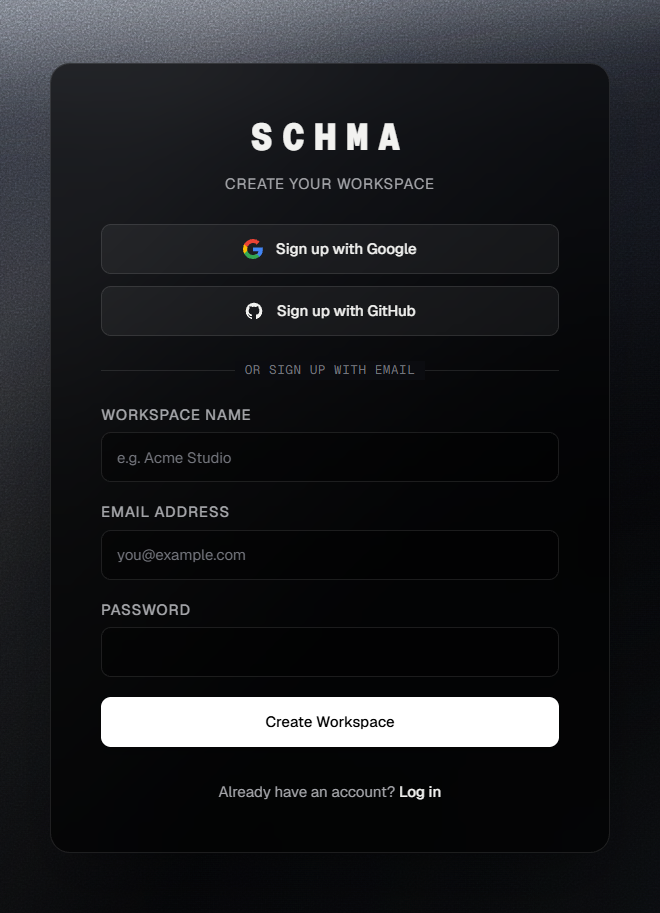
Sign up & create your account
Open SCHMA Studio and register using your work email or OAuth with Google or GitHub. Complete your profile credentials to gain secure access to your organization dashboard.
Once registered, you can create new isolated workspaces or be invited to existing team workspaces with full role-based access control out of the box.
Connect PostgreSQL & run migrations
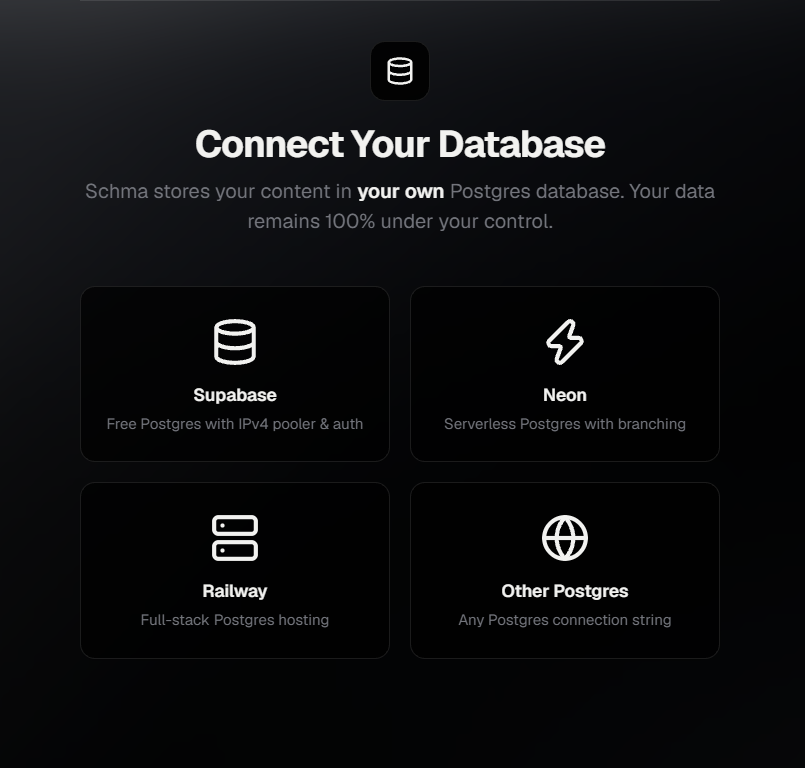
Upon entering your workspace, open the Database Onboarding flow (also accessible in Settings → Database). Select your provider—Supabase, Neon, Railway, AWS RDS, or Custom PostgreSQL—and paste your connection URI.
Click Test Connection to verify connectivity, then click Connect & Run Migrations. SCHMA automatically creates its six isolated schma_* tables in your database to manage content types, entries, version history, media assets, API keys, and webhooks.
schma_* namespace.Create a content model
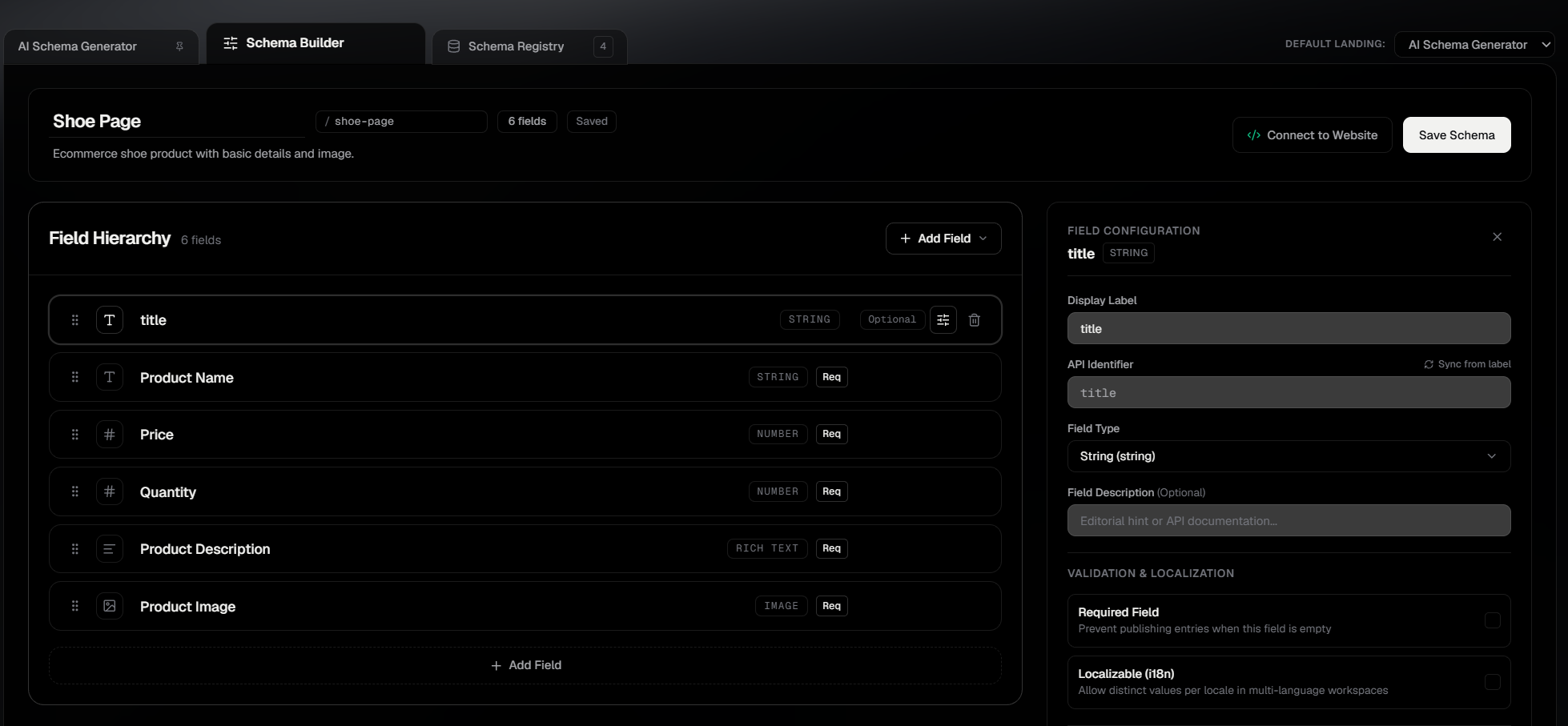
Navigate to Schemas in the Studio sidebar and click + New Schema. A content model defines the validated structure and field types of your entries.
Select the verified Blog Post starter template or build visually using drag-and-drop fields. The Blog Post model includes:
- Title: String field (Required) — Article headline
- Slug: String field (Required) — URL pathname identifier
- Content: Rich Text field — Markdown or formatted HTML body
- Featured: Boolean field — Toggle for promoted articles
SCHMA supports 11 visual field types in Studio including strings, numbers, dates, references, nested objects, media image references, and modular block layouts. Click Save Schema to persist your model.
Create and publish your first entry
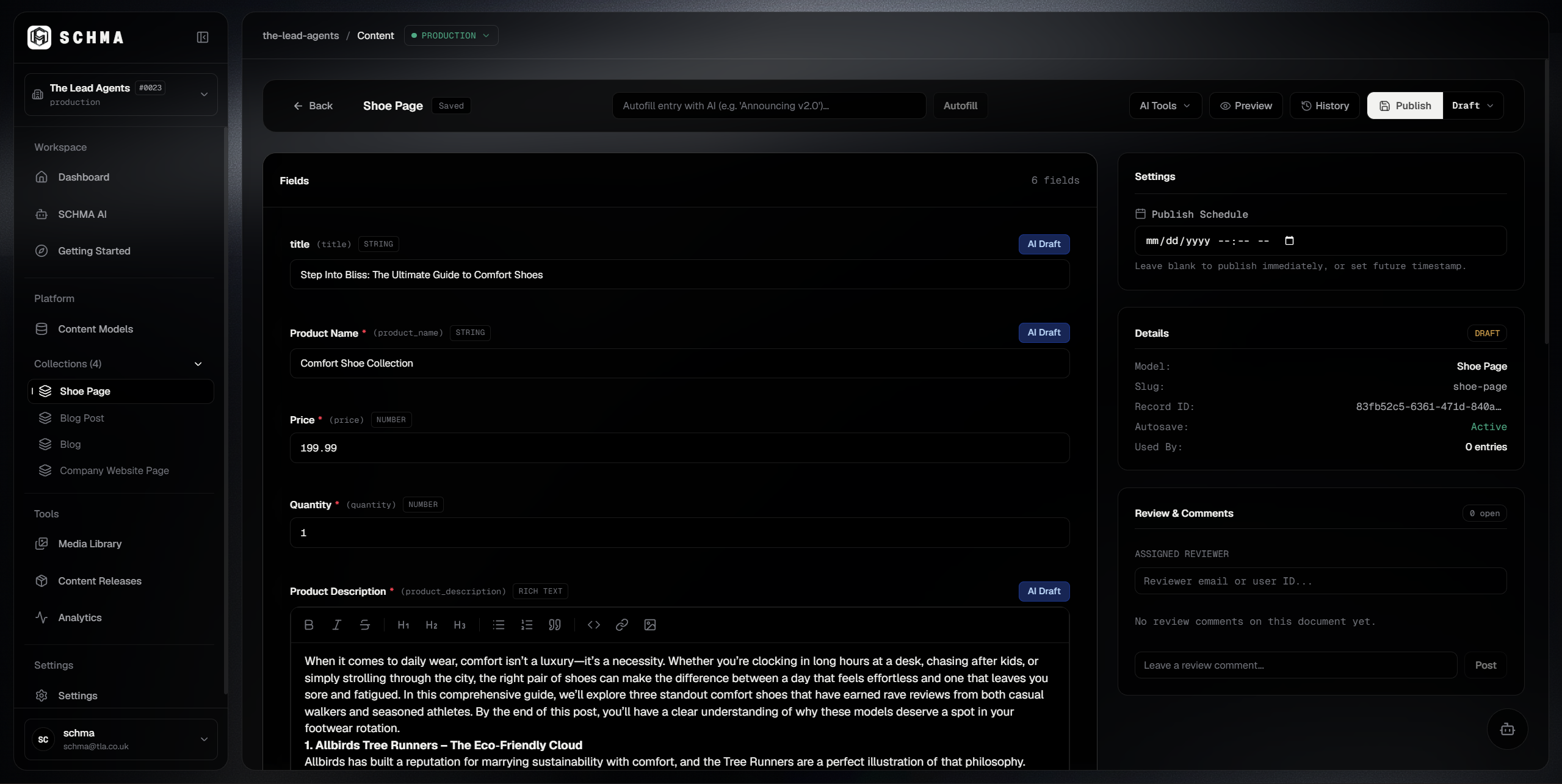
Navigate to Content → Blog Post in the sidebar and click + New Entry. Fill in your post title (e.g. Welcome to Our New Website), slug, and article body.
Draft versus Published: While you type, SCHMA continuously autosaves your work as a Draft. Drafts reside safely in your PostgreSQL database (data_json), allowing you to preview and iterate privately.
When ready, click Publish. SCHMA executes a publication validation check, sets the entry status to published, timestamps the release date, and creates an immutable snapshot in published_data_json. Only published entries are queryable via the production Delivery API.
Create a Delivery API key
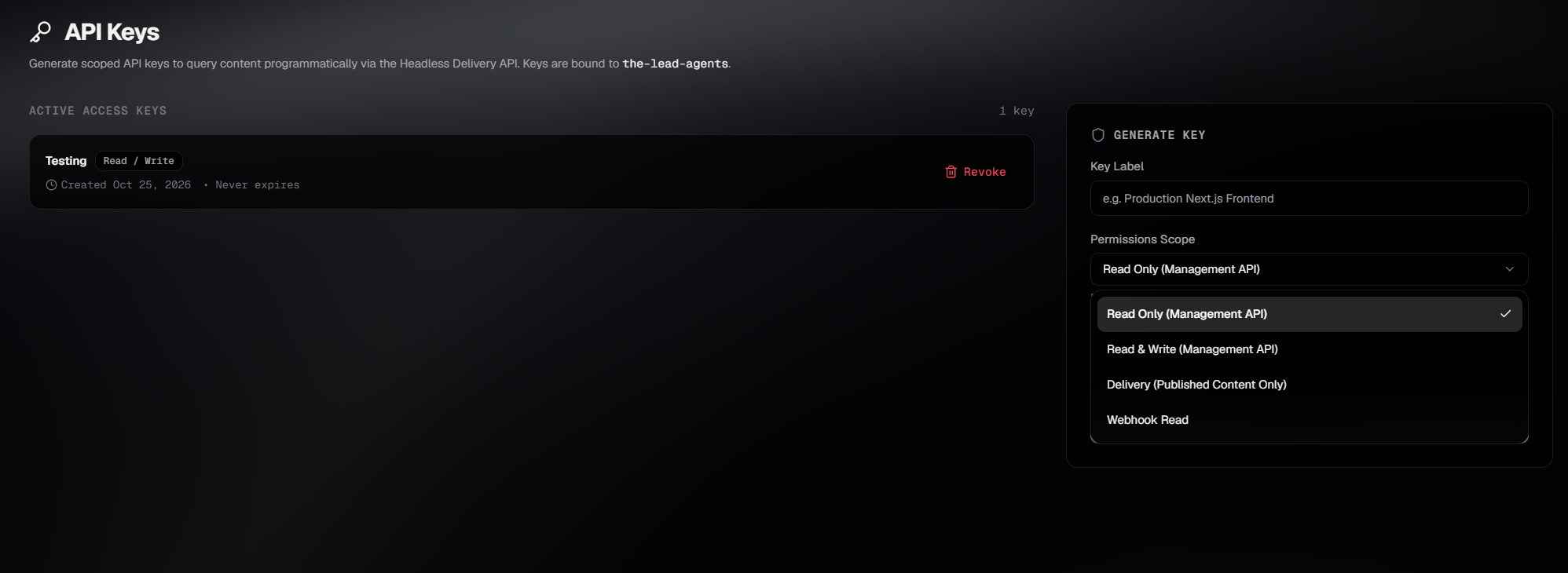
In the Studio, open Settings → API Keys and click Create API Key. Enter a label (e.g. Production Website) and select the delivery (read-only) scope.
Copy your newly generated key (schma_live_...). You will need this key and your workspace slug to execute your first delivery query.
Treat your delivery key as a secret. Never commit keys to public GitHub repositories or expose them directly in browser-bundled client JavaScript. Store them securely in server-side environment variables (e.g. .env.local on Next.js or Astro servers).
Your first API request.
Execute this query in your terminal or server-side application to retrieve your published entry directly from your PostgreSQL database through SCHMA's edge Delivery API.
curl -X GET \
  "https://api.schma.dev/v1/delivery/entries?type=post&limit=10" \
  -H "Authorization: Bearer YOUR_DELIVERY_API_KEY" \
  -H "x-tenant-slug: YOUR_WORKSPACE_SLUG" \
-H "x-environment: production"YOUR_DELIVERY_API_KEY: Replace with your scoped delivery key from Step 5.YOUR_WORKSPACE_SLUG: Replace with your workspace slug (e.g. acme-media).type=post: Matches the model slug saved in Step 3.Confirm success.
A successful request returns an HTTP 200 OK with an entries array populated with your published content, plus edge caching and quota tracking headers.
{
  "entries": [
    {
      "id": "7b8f9a23-45cd-48e1-901a-82c5f1a94e32",
      "typeId": "e2a1b4c3-56df-49a0-812b-73d4e0a81f54",
      "dataJson": {
        "title": "Welcome to Our New Website",
        "slug": "welcome-to-our-new-website",
        "content": "<p>Content created in SCHMA Studio and stored in our own PostgreSQL database.</p>",
        "featured": true
      },
      "locale": "en-US",
      "status": "published",
      "publishedAt": "2026-10-22T08:15:00.000Z"
    }
  ],
  "meta": {
    "limit": 10,
    "offset": 0,
    "count": 1,
    "total": 1
  }
}Troubleshooting common issues.
If your request does not succeed on the first try, use these verified diagnostic steps to resolve the issue quickly.
Choose your next step.
Now that your database is connected and your delivery pipeline is verified, explore our official SDKs, AI coding assistant integrations, and architecture references.
Delivery API Reference
Complete endpoint documentation for REST pagination, reference populating, and dynamic GraphQL Yoga queries.
TypeScript SDK Guide
Connect Next.js, Astro, Remix, or SvelteKit with the isomorphic @schmadev/client client package.
Cursor & Claude MCP
Equip your local AI coding agents with direct workspace schema and entry awareness via Model Context Protocol.
Plans & Capacities
Review Free versus Pro quotas, team seat allowances, BYOK AI terms, and commercial client website permissions.
Ready to build with your own database?
Create a free workspace, connect your PostgreSQL instance, and design structured content with complete data ownership.