Edit freely.
Ship deliberately.
Keep working content separate from what your users see. SCHMA gives you control over every step from the first draft to publication.
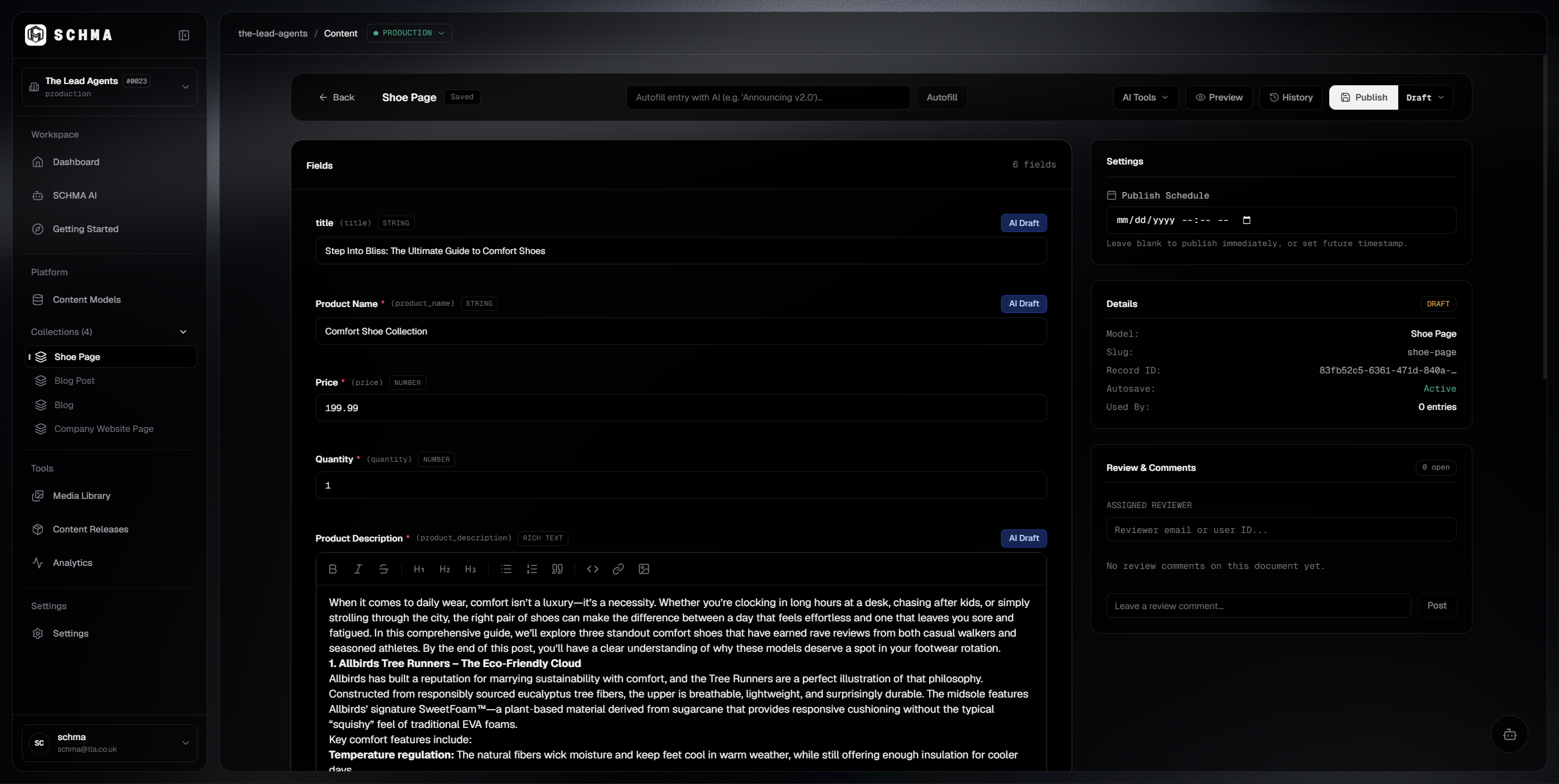
A clear path from draft to published.
Every entry moves through a defined publishing lifecycle. Review content, approve changes, and publish when it's ready. Schedule publication for later when needed.
Draft
Working StateWork on content without changing the live version.
In Review
Review SubmissionSubmit content for review.
Approved
Cleared for ReleaseMark content as approved for publication.
Published
Active ProductionMake the published content available to your delivery API.
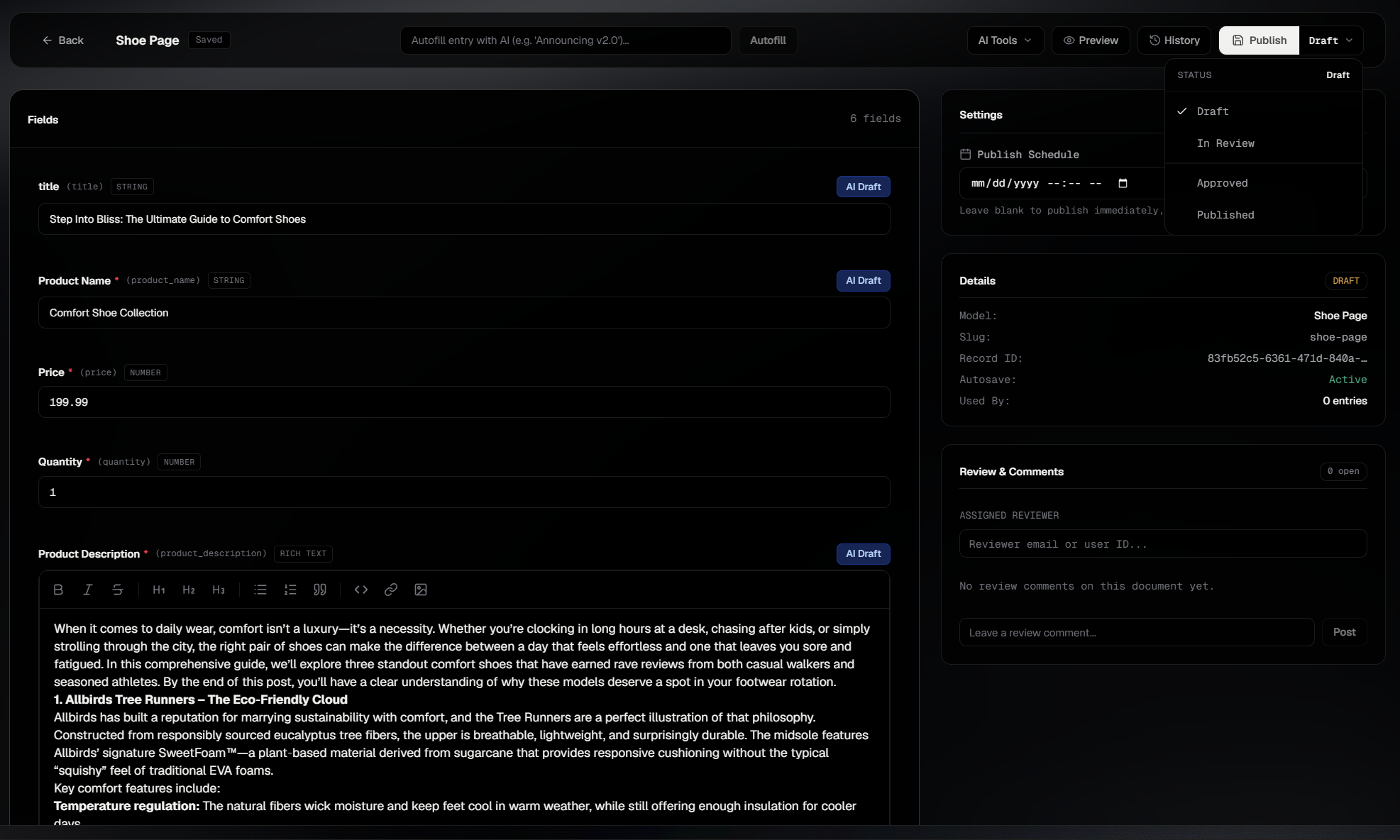
Every version leaves a trace.
Review previous versions and restore an earlier revision when you need to. Restoring a version updates your working draft; the currently published content remains unchanged until you publish again.
Safe draft restoration
Restoring loads historical content into your working editor. It does not overwrite what live visitors or delivery APIs see in production.
Deliberate re-publication
After restoring a previous state, you can make additional adjustments, run reviews, and choose when to publish the updated draft.
Auditability and timestamps
Every version record tracks the exact date, time, and origin—whether created through the Studio interface or automated via API.
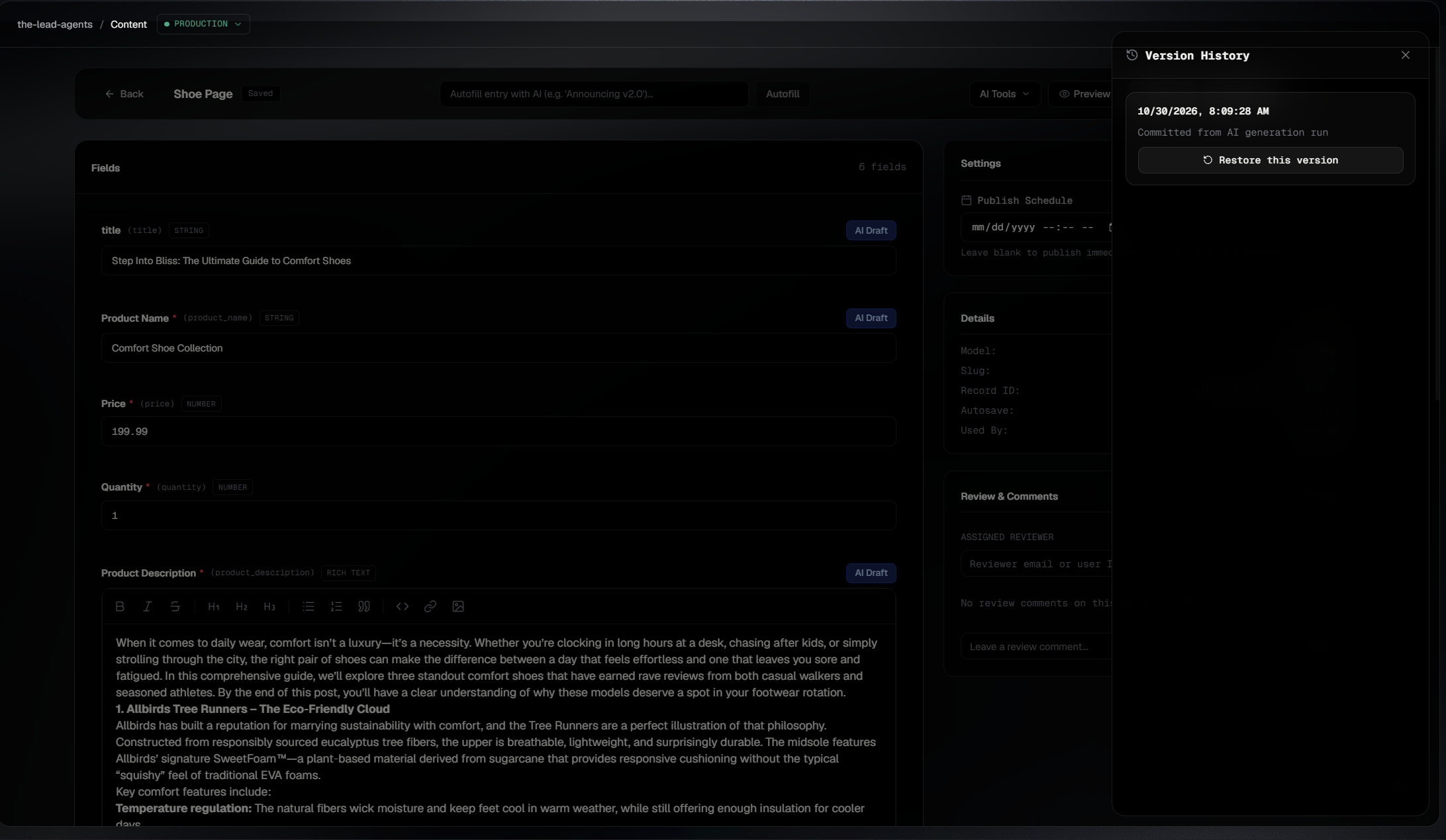
The right people. The right publishing access.
Publishing actions depend on each person's assigned role and permissions. Keep control over who can review, approve, and publish content.
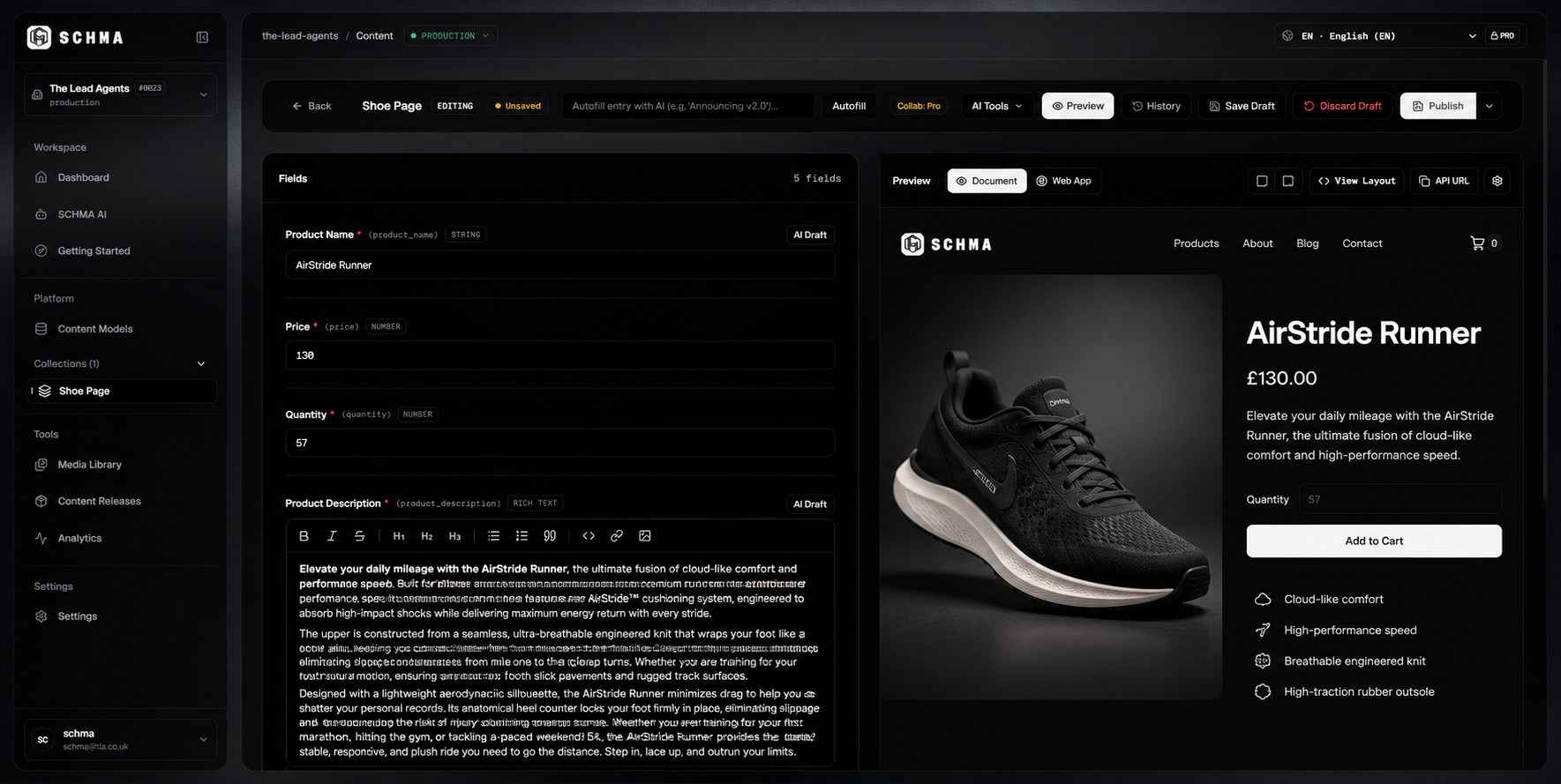
See it before it goes live.
Preview draft content before publishing. Connect your frontend to see how your content appears on your actual site, while production continues to serve the published version.
Every publication, under control.
Move from draft to published with clear states, deliberate permissions, and confidence in what reaches production.